
chumbucket91
-
Posts
33 -
Joined
-
Last visited
-
Days Won
2
-
So, what are you working on right now?
chumbucket91 replied to Springheel's topic in TDM Editors Guild
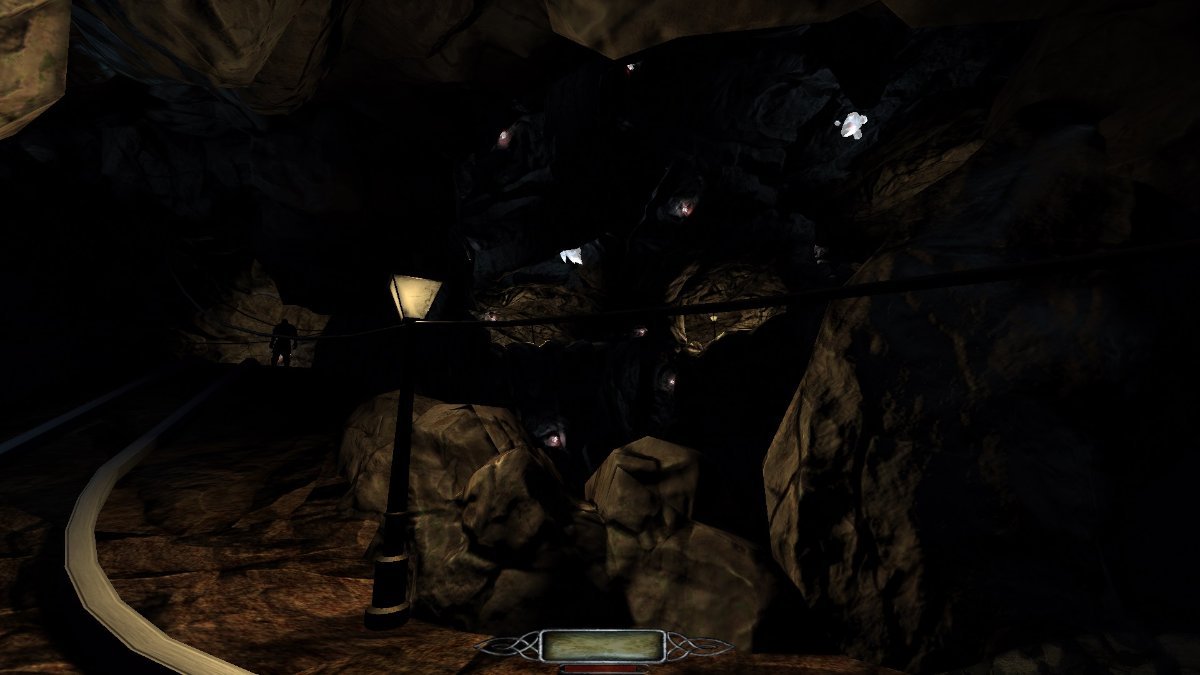
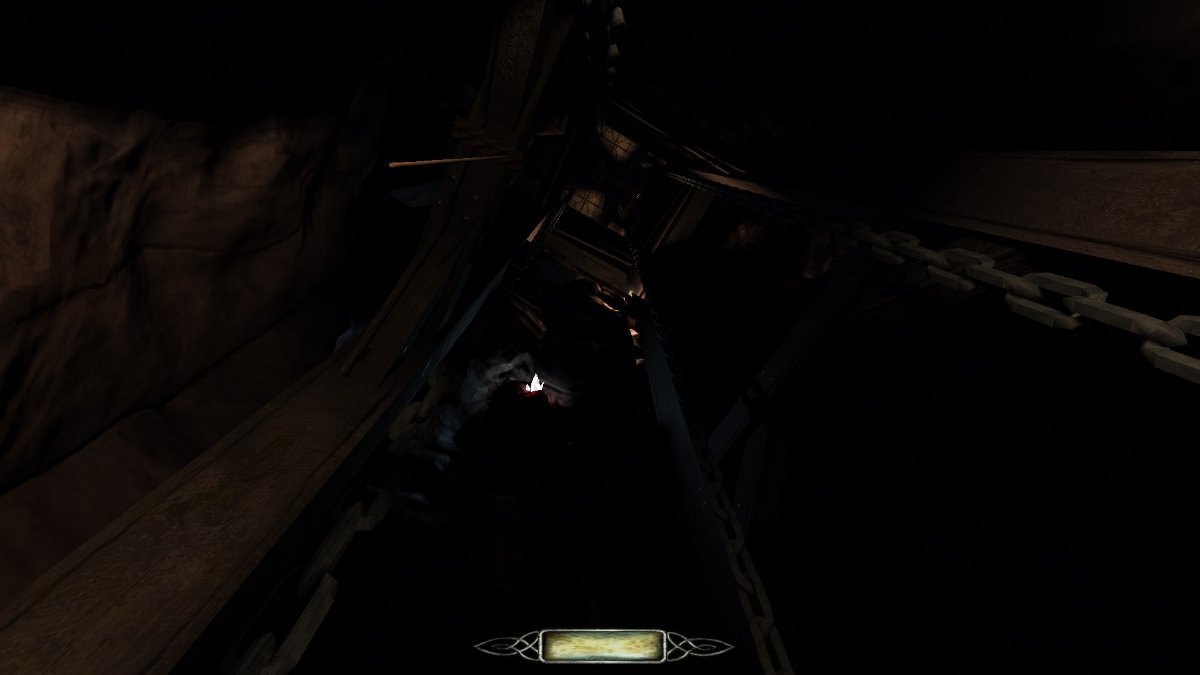
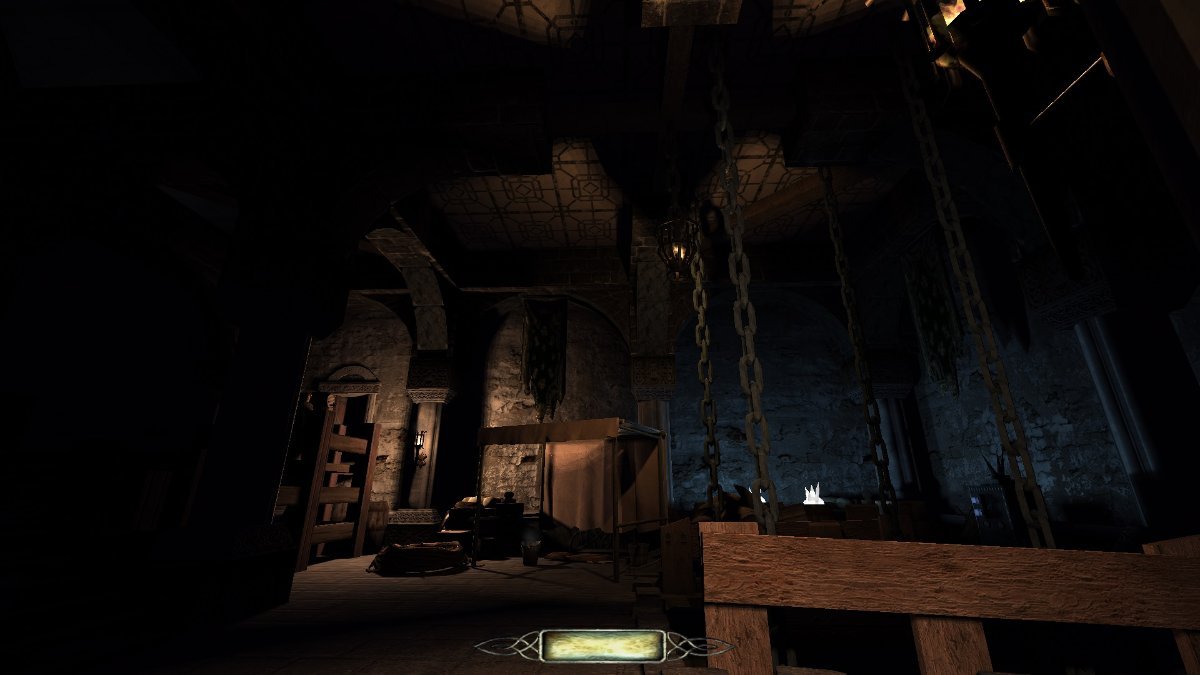
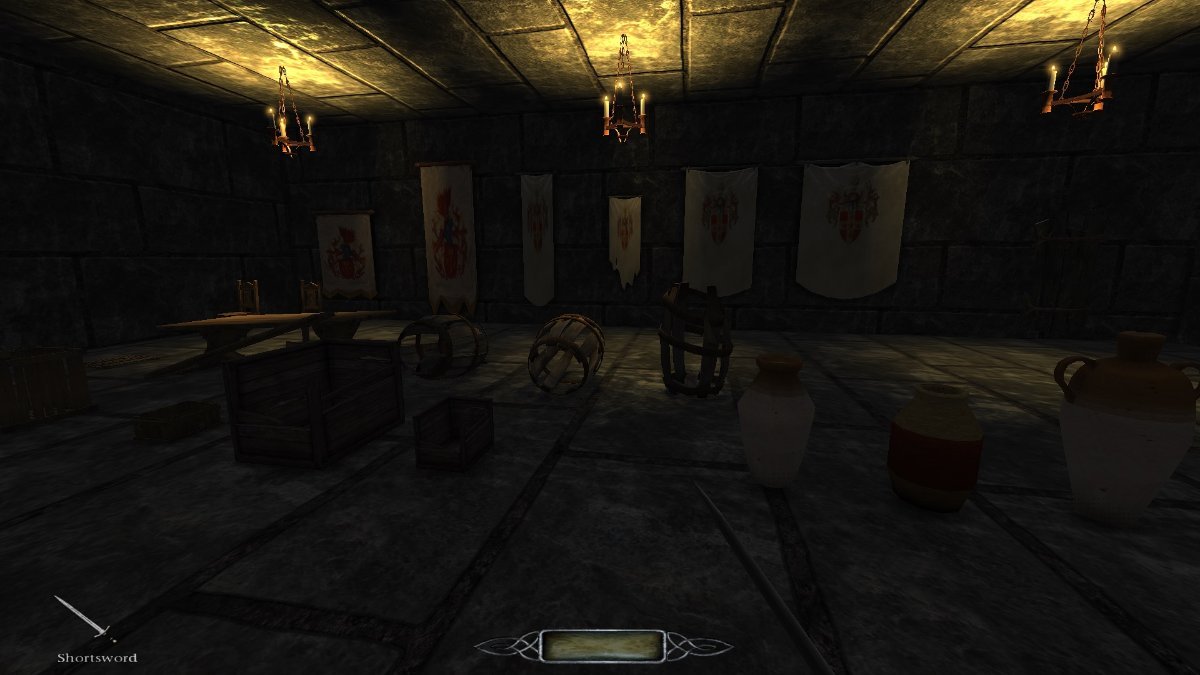
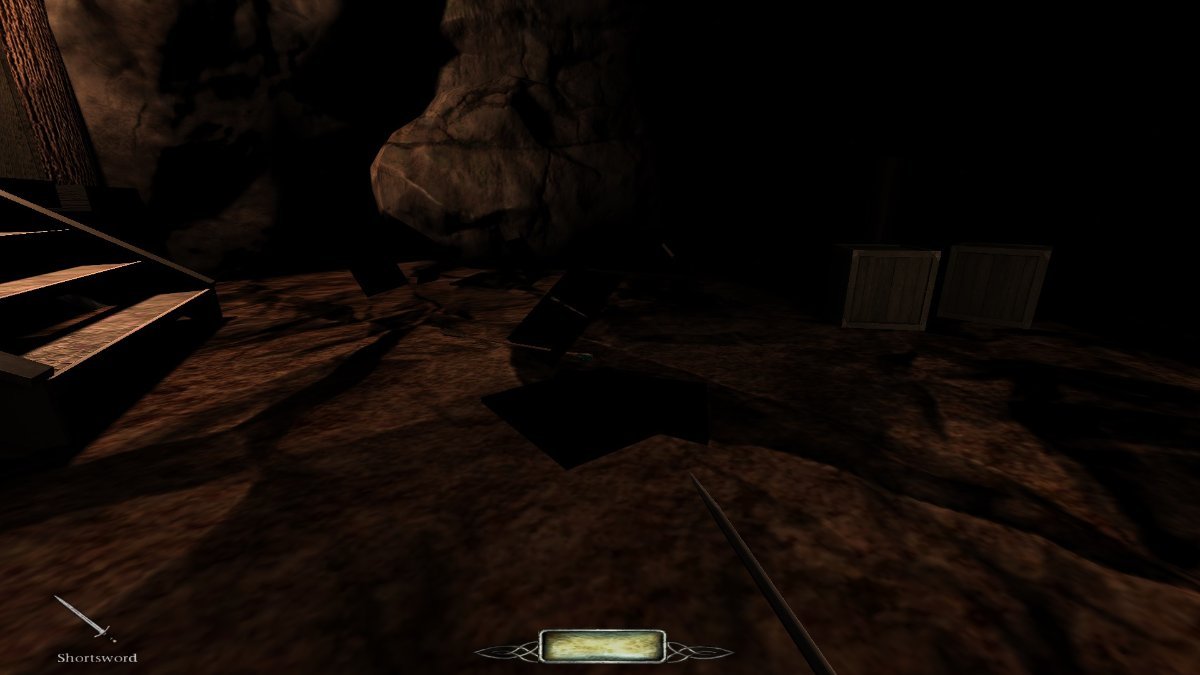
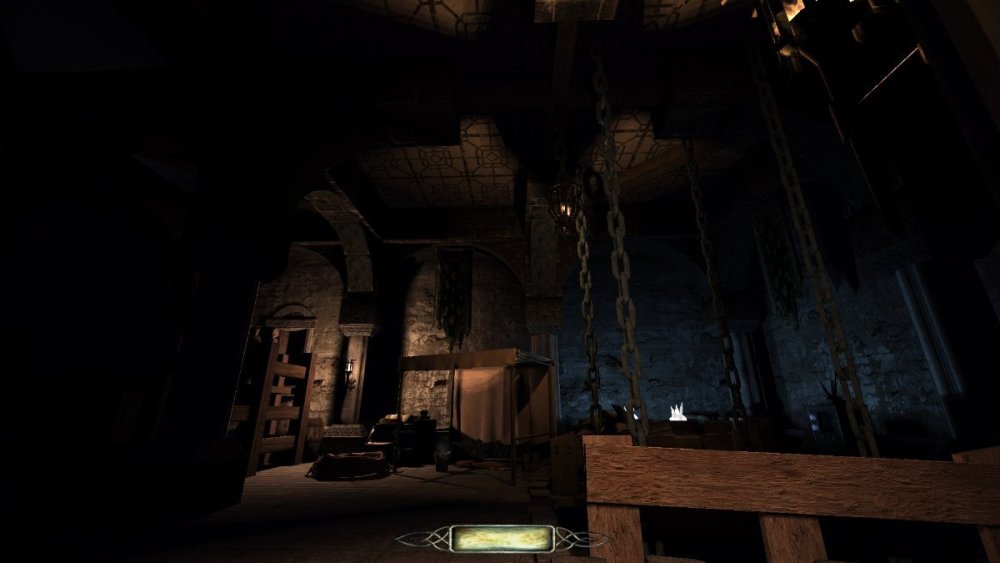
Something along those lines! I'm trying to do the whole castlevania shebang, and I am working from the bottom up. So the prison and mine sections are the ones that exist right now, and thus have screenshots. That is an excellent idea. Might hold off on it though - I am having enough of a time learning basic mapping concepts. Packing in mods might be a thing to play around with if I get to the point where I am seriously debating a release and also thinking about briefing videos and stuff. -
So, what are you working on right now?
chumbucket91 replied to Springheel's topic in TDM Editors Guild
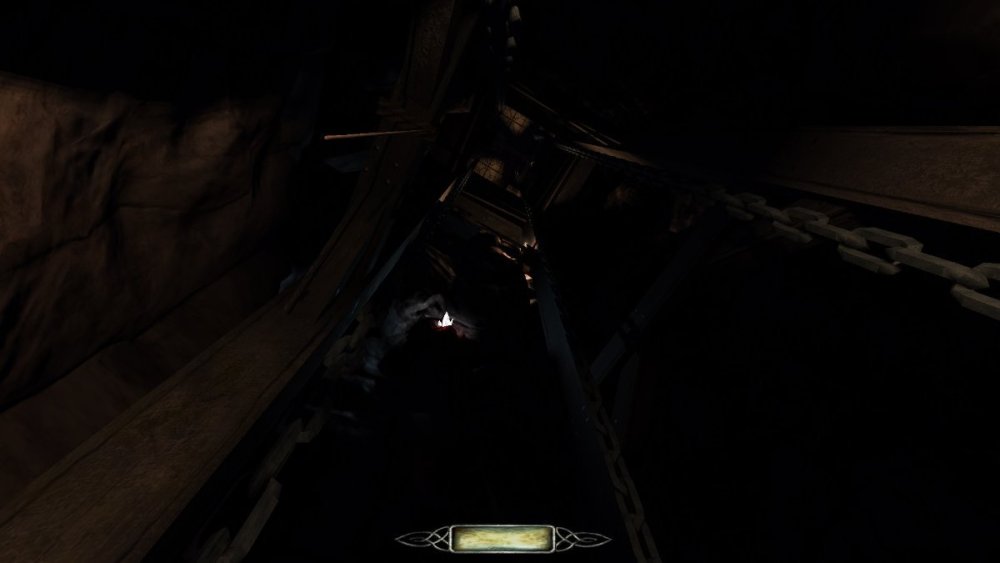
Aight well if I'm poking around posting fm reviews, code change suggestions, and asking for tech help I might as well also put up my work. Putzing around with DarkRadiant is quite fun. Not sure when or if I will produce a full map but, considering that I haven't touched dromed or made maps for other games before, I'm really happy with what I've got so far. Kudos to the tooling designers for making something reasonably idiot-friendly. One of the first things the A-Z tutorial tells you is to not use 0 0 0 for ambient lighting, and I immediately said nuts to that lol. I'm really enjoying the harsh darkness and the contrast from light sources. I didn't intend for it to happen, but I've ended up with something that looks like it crawled straight out of TDS. It also makes traversing the level have an interesting trade off - you need light to see, but enemies can see you carrying it and if its in your hands you have to drop it to pull out the bow or mantle stuff. I'm trying to build a whole level around this "mechanic"/"gimmick".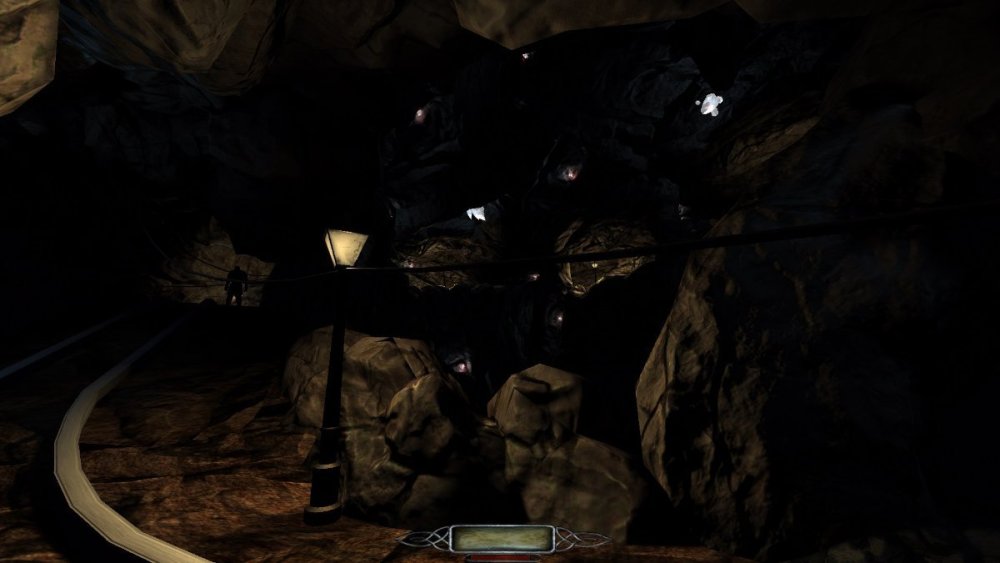
- 9190 replies
-
- 15
-

-
Proposal: Flashbombed AI's become Blackjackable
chumbucket91 replied to chumbucket91's topic in I want to Help
This might be a thing we can do with modding! I went digging through the source again because this was hanging in the back of my mind, and there is no actual use of the cvars that are defined in the c++ code for how the player reacts to the flashbomb. Seeing that, I followed that cvar through the scripts in my TDM install instead. As it turns out, the white flash that occurs when you flash yourself is defined as a gui element in tdm_gui01.pk4\guis\playertools\flashbomb.gui. Most of the lines of this script are defining color values to fade from and to, as vector4's that presumably represent RGBA values. Everywhere in that script that says something along the lines of transition backcolor "1 1 1 1" "0 0 0 0" "4000"; , "1 1 1 1" represents fullbright, fully opaque white. Changing that to "0 0 0 1" would be fully opaque black, and doing that across the whole script might just solve the problem. The going-all-the-way solution would be to change this color value to a cvar that you can set through a menu accessibility option, but it'd probably be simpler to mod it out in the shorter term -
I've also been playing lots of TG/T2 missions recently and I definitely feel this sentiment, but I do also remember how TDM played before the blackjacking revamp. Now that was garbage. Post revamp, with the animation tell, I've actually felt comfortable enough with the way TDM does things now? Like its still definitely more difficult and finicky than TG/T2 and that frustrates me in the moments where I fail to blackjack and thought I was gonna succeed, but I at least respect it as a design decision. TG/T2 really do make it too easy to give an entire city block migraines by bopping people in the feet. What needs to change is how quickly AI goes from unaware to perfectly invincible - a "surprise" state, where they play some comical "BWA-HUH?!?!" shrug animation and can still be blackjacked while you're running up to them or if you suddenly jump out of the shadows, would probably go a long way to making the blackjacking mechanics and hitboxes feel the way they're intended to feel.
-
Fan Mission: "The Last Night on Crookshank Lane"
chumbucket91 replied to Jnon's topic in Fan Missions
I took some time to sit on my thoughts on this one, so I forget my exact totals, but I completed this mission in around 2hrs and had ~7000/11000 loot on the middle difficulty setting. I enjoyed my time overall? But a lot of quality issues held me back on this one: - The AI really seemed to be out for my blood, and I'm not sure why or how they saw me lots of times. I think at one point I had 6 guards running around the market place. I think this was maybe a portaling issue? Because I managed to piss off guards in neighboring buildings or on different streets often during this mission. - The do-not-kill objective didn't work. I discovered this by blackjacking a sleeping commoner who bethesda-physics'd into the wall so hard that she died (a TDM classic, not the fault of this mission), and the objective didn't tick failure. I used this to my advantage for the second half of the mission and made the streets run red because of my previous AI woes. - The mission was very flat. There weren't a lot of opportunities to run across rooftops, crawl through sewers, or emerge through vent shafts to new floors of buildings. There was a little bit of all of that, but I was struck by how isolated and one-off those moments felt, and how the streets were perfectly level from one side of the map to the other. - I found lots of polish issues in the geometry, including a pretty sizeable gap in the ceiling of a side room in the pumping station, windows not aligned to the buildings they were supposed to be attached to, and a visible seam through the second floor of the manor under a bedroom door. That said, I liked the ambition and creativity overall, and that kept me going. I think I'm at like a 6/10 or 7/10 on this mission. Good effort, solid ambition, needs refinement. -
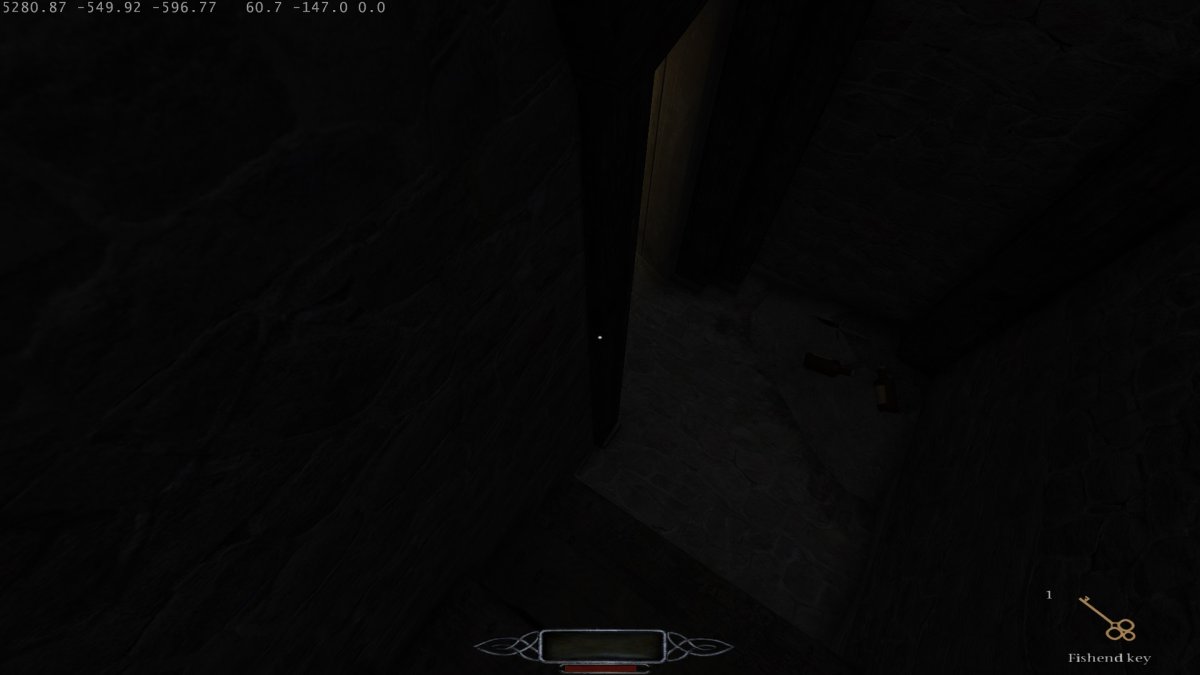
Wonderful city fm, completed on Medium in 1:21:54 with 4621/8493 loot. 8.5/10, really enjoyed the layout and architecture of the buildings, and looking for then weaving in and out of windows throughout the level. The apartment facades in the screenshot/opening area, and the really tight nested rooftops and ropes of the last major area, were highlights. Also, I appreciate any level that delivers the dream of grabbing nasty-ass raw fish out of someone's kitchen sink, stuffing it into your pockets, and eating it whole. Some minor notes/critiques: - I'm never a fan of no-kill objectives on all difficulties. I always end up with like 30 broadheads and the police sure ain't taking prisoners - just let me use 'em. - I think this level leaned a little too much on "Door does not open from this side"? Started to feel less like the city had locked down for the night and more like obviously gating the player for gamey reasons. Although I did appreciate the opportunity to go back and look for more loot (even if I didn't take much advantage of said opportunity) as a nice surprise for exploring and getting lost. I did also appreciate the separate sound cue for a barred door vs a locked door. IDK, its a good mechanic, but maybe use it a bit more sparingly. - The ms paint-esque map drawing took me out of the game a bit immersion-wise. Its vague/abstract design is fine, as the level layout was quite good at funnelling the player to the next location so it was more for just keeping track of where I am. But an art pass would be a nice touch to have. - The music changed a lot during my playthrough? Due to the nature of the map, you're entering and exiting areas through windows a lot, and the music track switched around all the time as a result. Was a bit jarring, and maybe just the rain ambiance would have been perfect for the outdoor sections. - I was able to frob a light switch through a wall on the other side of a door. I found this at a location that I can't describe without spoiling, but can safely screenshot without spoiling. I've attached a picture of where I was standing and looking when I was able to frob the light switch.
-
Proposal: Flashbombed AI's become Blackjackable
chumbucket91 replied to chumbucket91's topic in I want to Help
Did some testing on this, and indeed in TG and T2 you have to land the flashbomb in front of the ais. "In front" is pretty generous, though - its like a 180 degree cone. So that part staying as-is in TDM makes sense, and it looks like that's whats intended by this line: https://github.com/stgatilov/darkmod_src/blob/trunk/game/ai/States/State.cpp#L510 (distVec * owner->viewAxis.ToAngles().ToForward() ) > 0 is a vector dot product to figure out that 180 degree cone). Improving the feeling of flashbombs in general might be a follow up proposal, but I'll keep one improvement suggestion to one topic. It'll be easier to narrow down exactly what else about flashbombs is funky when people have more incentive to use them in FMs and play around with them in the first place! -
Proposal: Flashbombed AI's become Blackjackable
chumbucket91 replied to chumbucket91's topic in I want to Help
Ya I saw that state class and wasn't sure what exactly the canonical way to interact with it was. I imagine there must be a better way - maybe dynamic_pointer_cast<BlindState>(GetMind()->GetState()); would be a better check? But I figured that was best left to the dev who ends up having to compile and implement the change. I wrote it that way just to illustrate the point. If I end up drafting the actual PR instead of just a forum post, I'll try to do better than string comparison haha - or at least extract the magic string from the class instead of just hard coding it in to the AI code. Not sure about the animation loop or the timer, but the bizarre hit detection is probably caused somewhere in https://github.com/stgatilov/darkmod_src/blob/trunk/game/ai/States/State.cpp#L489-L515 . In TDM, it looks like instead of dropping a flashbomb near-ish the AI, you have to drop it inside their vision cone in order for it to be effective, and they also have to pass a line of sight check to the bomb. That... might be too finicky or elaborate for the gameplay purpose of the flashbomb? Maybe it should be simplified to a radius or have more generous vision checks or something - there appears to be an else branch trying to do this in some cases. Or maybe there's a subtle math bug in one of those FOV checks or something? -
A recent thread of discussion has cropped up in the TDM Discord channel and a couple forum threads ( this comment and the general discussion after it came to mind) about the usability and efficacy of Flashbombs in TDM. To wit, most people seem to think they're kinda bad because they're just a stun, which still requires you to hide in a very narrow time frame and then wait for the AI to cool off after use. One of the big upsides of flashbombs in TG/T2 was that, if you had alerted human enemies chasing you, you could drop a flashbomb and then turn around and blackjack them to non-lethally remove them from play. It was an inventory-limited opportunity to recover from failure and continue playing the game, as opposed to just reloading a save. This is a fun and proactive interaction, and I propose that we add it to TDM. Specifically, I think this can be accomplished with minimal code. After a read through the public TDM git repository, I think the most appropriate change would be to adjust the condition here: https://github.com/stgatilov/darkmod_src/blob/ac0a286561630eefee1cbb44d09d77128cd3d8e7/game/ai/AI.cpp#L11892 to read as follows: if ((GetMoveType() == MOVETYPE_SLEEP || // grayman #3951 GetMind()->GetState()->GetStr() == "Blinded") && // proposed - maybe there's a better way to write this condition like checking the type or something? ((minDotVert != 1.0f) && (minDotHoriz != 1.0f))) // cos(DEG2RAD(0.0f)) indicates elite faceguard helmet { Currently, this check does not pass for blinded AIs and they move to the if-else branch at L11903, and since they're very alert because they were actively chasing the player, they cannot be blackjacked. This change should give a flashbomb-blinded AI the same knockout vulnerability angle as a sleeping AI. Helmeted human AIs (and undead/magical AIs because they can't enter that particular mind state) retain their blackjack immunity, and everyone else can be clunked in the face as a reward to the player for spending a limited resource, not flashing themselves, and having the quick thinking to turn around and draw the blackjack. The blinded mind state lasts for about 8 seconds (I forget where I found that but its a hardcoded magic number in a Damage() function somewhere), which feels a bit short but about right, and then when the state changes the player's window of opportunity is lost. My brain kinda glazed over when I looked at the SVN checkout+compilation.txt instructions, but if I can help test or debug this with a little hand holding I'd be happy to do so.
-
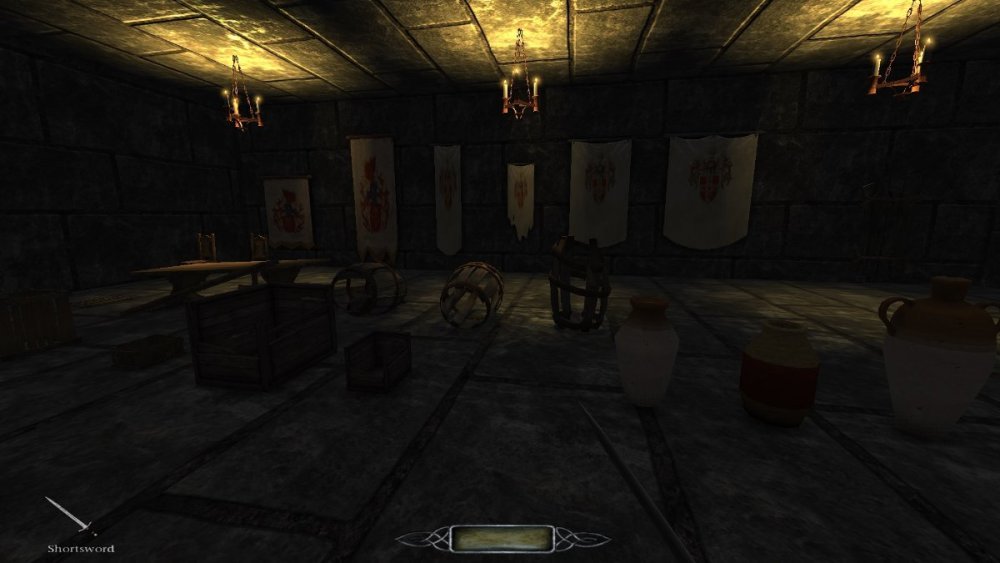
Alright, I've done it. And then probably went overboard. I was able to disconnect all of the volta-named bits from the entities and rename or repoint everything to assets that ship with TDM. The results don't look quite as cool, but I still was able to make a destructable crate with flindery bits, particle effects, and smashing sounds. Hooray! I then discovered that changing the model required whatever new model I chose to also have a clip model. So there was no way to get around making clip models in darkRadiant for whatever things I wanted to be smashable. I went ahead and made really basic (cubes or 6-sided prism) clip models for all the junky broken down wooden objects I could find in the TDM assets, most of which were missing, and used those to create breakable versions of those models. Funny enough, this approach worked for everything except the original door that I wanted to make breakable in the first screenshot of this post! There is something funny about the collision geometry of models/darkmod/architecture/doors/oversized/old_door_02.lwo . If I used it as an entity model, the map complained about not having a collision model. But if I added a simple box as a collision model, the box didn't get used! I was able to shoot arrows and walk straight through this broken down "door". So my original chain-of-random-entities solution that doesn't make flinders is probably as good as we'll be able to get from the door. I also used this solution to try to recreate breakable banners from TG and T2, and they work pretty well. They should probably have a "torn" version that hangs from the banner rod instead of the whole banner and rod disappearing entirely, but they will serve the gameplay purpose of being able to hide safes/secret passages behind banners well enough for me. Coming back to flinderable entities, I realized I could probably tweak the entity definition to also make breakable ceramic pots, so I made some of those too. I ended up with ~25 prefab objects that you can smash with the sword or detonate with fire arrows - some are small enough to be picked up, but the bigger ones can only be pushed or are completely stationary. I tried to pick reasonable health values for them based on their size and apparent sturdiness. All of these can be used as obstacles to block doors or secrets. I've uploaded a .pk4 that contains a simple test map, the entity definitions, and the prefabs. Feel free to download, rip 'em out, and use 'em! If there are any good candidates for smashable-looking crap that I missed or any feedback on how I could make these better, let me know. If @kingsalis cool with it (...because I basically copied his homework for the scripting), I would also support making these entity definitions, collision models, and prefabs part of TDM's core, and would be willing to make whatever tweaks we think are good to help make that happen. breakable_prefabs.pk4
-
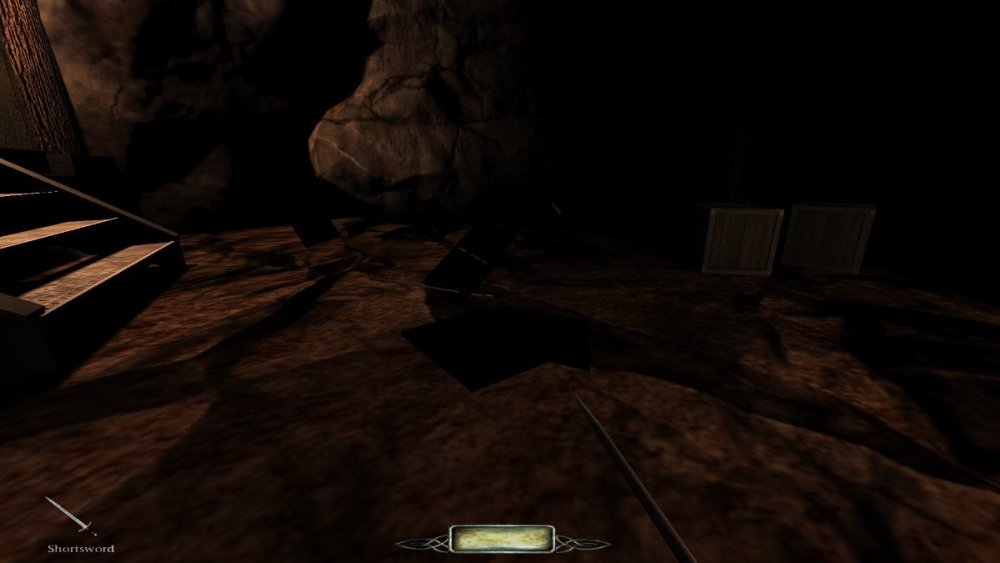
So I came back to revisit this, and managed to port 95% of the Volta 3 breakable crates to my current project. It looks like I'm missing a material definition for the flinder bits the crate leaves behind after exploding, but according to the .ase that texture is "textures/darkmod/wood/boards/tdm_crate04" which... sure seems like a tdm builtin? I'm not sure how the breakables can't find it. Attached a picture for reference (the FM is quite dark on purpose but those black squares shouldn't be pitch black like that). Other than this minor hiccup, this seems like the coolest solution that is the closest to what I want - but the downside is that now my project folder has a ton of extra junk and new volta-specific folder structures, entity definitions, and whatnot in it that I blindly copied and pasted. I'm gonna try to remove the volta specific stuff as much as I can and replace with some tdm defaults and see how it goes!
-
Now this is the kind of spicy pepper that I enjoy biting into. I feel like this would be simplest to solve by adding some prefabs to tdm_prefabs01.pk4, with sensible defaults but some obvious exposed customizable bits, and maybe a tiny wiki article to document what can be done with them. No idea what it takes to make something(s?) part of the core package of TDM prefabs, but I'm willing to put in work to make it happen. When I revisit this (which will probably be a couple weeks), I'll upload whatever solution I end up with as prefab .map files to this thread and I suppose we can test/bikeshed from there. How to make it work well with the AI would be my big open question. I imagine kicking down a door/crate/exploding barrel should alert hostile NPCs and make neutral ones hostile, and should probably do so in a large radius. It sure feels like the kind of thing that should be a last resort with significant downsides in a Thief-y open source im-sim game. The breaking doors I was trying to get to work are in an area with no NPCs, so I haven't even tried to solve or test its effect on nearby AIs.
-
I took a bit of a break from poking around with mapping for a few weeks, but I will check out both the mission and these crates. Ty!
-
It seems that this isn't as much of the case as one would hope, unless I'm still doing something else wrong. I added the broken and hideModelOnBreak spawnargs to my current setup, but the model isn't hidden on destruction and the flinders still don't spawn. I then took a slightly different track and tried to rig the security camera to actually be a door. This approach seems like the correct-er one, although the sound effect when striking it with a sword seems a bit off. Like its repeating every frame that the sword is in contact with the model, maybe? Also, setting the clipmodel correctly is giving me trouble, so you have to swing at some air on the left side of the door to destroy it - I'd like TDM to derive the clip from whatever is set in the model arg, but setting a clipmodel to 0 or "" or some other obviously invalid value doesn't seem to trigger that behavior like the documentation strings claim it does - instead, it throws an error when I attempt to map (dmap completes just fine either way). In case it helps, I've attached a sample .map with a player start, an inventory full of smashing gear, a light, and my two breakable-ish doors. The one on the left is the doorified-camera, which sounds weird and clips weird (and crashes the game when I try to correct the latter by setting the clipmodel spawnarg to ""), and the one on the right is my model-turned-damageable and doesn't flinder or disappear. I'd be happy if I could get the left one to clip like its visual model (I would like to reuse this as a prefab, and swap out different models like half-broken crates or barrels - so just creating my own clipmodel isn't great (although it looks like a ~30s task based on https://wiki.thedarkmod.com/index.php?title=Moveables so maybe thats the way to go)), or the right one to flinderize and disappear. Is there something I'm still missing or misunderstanding about either setup? EDIT: Making sure I've uploaded the right version of the testmap I've made breakable_door_flinder.map
-
Ah, this might be the piece I'm missing. What would I set this to if I still want to spawn the flinderize pieces but I want the model to effectively disappear? The point of attacking the door is so that you can proceed to walk through it, so I don't want to leave an even-more-broken mesh behind, if that makes sense. Currently I'm removing the door with a func_remove when it reaches a health value of <= 0, but if I could instead replace it with some empty mesh maybe the flinder bits will stick around.