Search the Community
Searched results for '/tags/forums/mouse bindings' or tags 'forums/mouse bindingsq=/tags/forums/mouse bindings&'.
-
Phew, it's almost exactly been 3 years since my first post about my VR modification for TDM. Three more versions of the game have been released in the meantime, and with them come performance improvements that I feel it's finally viable to continue my work on the VR adaptation So without further ado, head on over to https://github.com/fholger/thedarkmodvr and grab the latest release. It's based on the future 2.09 version, but is fully compatible with a 2.08 install. Although I've tried to make the VR version use its own set of resources (separate `darkmod_vr.cfg` and shader folders), I'd recommend you make a backup or copy of your TDM installation to be able to get back to the flat version cleanly without effort. Please heed the README in the repository, particularly about the choices of VR backends. Some noteworthy information for this new version: performance should be considerably improved from the old alphas. That doesn't mean it's perfect - although the CPU bottleneck is now completely gone, the game is now severely fill-rate limited. So if you have a current-gen headset with high resolution and/or a weaker video card, forget about any supersampling or AA. I also strongly recommend to stick to stencil shadows and disable soft shadows and ambient occlusion - the latter isn't that impressive in VR, anyway, and simply not worth the GPU cost. And even then, there will be some scenes in some missions where reprojection is just unavoidable, even with the beefiest GPU. That being said, I have tried a multitude of maps, and I think it's very playable. the UI is finally usable! Both the menu and ingame HUD elements are projected to a virtual screen in front of your sitting position. It's not the most elegant or immersive solution for the HUD, but it works vertical mouse movement is excluded from the VR view - this was suggested by some of you way back, and I think it makes the experience much more enjoyable. It can make it a little hard, though, to aim with the mouse for actions like frobbing items, because there's currently no visual indication to where the mouse is pointing. I'm planning to add one asap, but in the meantime, you can equip a weapon to get a vague sense of your mouse orientation. If you do want to re-enable vertical movement in the view, set 'vr_lockMousePitch' to 0 in the console. Other than that, I hope you enjoy this new version. Let me know which improvements you'd like me to work on first. Also, there are probably any number of render and other bugs still left in there somewhere. If you find one, please report them over at the Github tracker (https://github.com/fholger/thedarkmodvr/issues), so I can keep track of them. Latest Update:
- 77 replies
-
- 18
-

-

-

Fan Mission: Scroll of Remembrance, by MirceaKitsune (03/11/2020)
chakkman replied to MirceaKitsune's topic in Fan Missions
ThiefGuild has some tags: https://www.thiefguild.com/fanmissions/?advanced_search=&series=&collection=&table=&page=&works=&work_lists=&sort_by=newest&search=&games=5&released_from=all&released_to=all&genre=all&original_games=fms Not sure how complete or accurate those are, after all either the author or users add the tags to the missions. -
How you can help depends a lot on what skills you have. I can Record Video Recording "Let's Play" videos or simple walkthroughs of existing missions and posting them to Youtube is great exposure for the mod (see example .) Be sure to let us know so we can link to them. If you have some editing ability, Video tutorials, where you explain how the mod works, or how to use specific tools, would also be great. Video trailers, showcasing interesting places and features, are also great for publicity. An example is . I can Write Writing reviews for missions are always nice, especially if they include good screenshots. Not only does it give us something to post on other forums, but it makes mappers feel good when their mission gets attention (especially if it's positive). We have a collective thread to post reviews in: http://forums.thedar...s-walkthroughs/ Writing reviews of the mod as a whole, targetted an an audience that doesn't know much about TDM, is also very useful. You could also try offering your services to mappers to create interesting readables, or to proofread for their mission. I can Act and Record Audio We are always on the lookout for good quality audio recordings for vocal sets. If interested, you can pick a few different lines from this script: http://wiki.thedarkm...t:_Average_Jack and send the recordings to Springheel, who then writes a script based on the type of voice you have. I can Translate We could always use translations of our menu/hud into more languages. Also, only a few FMs are aavailable in more than one language, so there is a lot of work there, see the I18N Translator's Guide in the Wiki. I can Model Great! Take a look at the model request thread:http://forums.thedar...-requests-here/ and pick something that interests you. Or just post a, "Hey, anybody want a model?" thread in this forum and I'm sure mappers will get back to you. I can Animate Fantastic. We can always use more good animations. Our current character rigs use a Maya skeleton. PM Springheel for more info. I know C++ Have a look at our coding section in the wiki, pick an issue or feature from the bugtracker of the mod or the leveleditor, download the recent sourcecode release (or better ask for an SVN checkout) and get cracking. Make sure nobody is already working on that specific issue and feel free to ask questions. I can Edit Images We can always use completely new textures and/or improved versions of older textures. How to get started and how to import them into the mod. I can Take Photos Good quality photos of useful textures (medieval-ish building facades, dirt, rocks, wood, etc) are always welcome. The fewer directional shadows and higher resolution, the better. I don't have any skills Even if you can't do any of the above, you can still help out. Talk about TDM in other forums; share your (preferably positive) experiences with other gamers you know. Last, but not least, compliment people when you like their work. Saying "thanks", to a developer or, "I really enjoyed your mission" to a mapper will make their day. -------------------- I'll update this further as more things occur to me.
-
For the people eager to play with the latest state of development, two things are provided: regular dev builds source code SVN repository Development builds are created once per a few weeks from the current trunk. They can be obtained via tdm_installer. Just run the installer, check "Get Custom Version" on the first page, then select proper version in "dev" folder on the second page. Name of any dev version looks like devXXXXX-YYYY, where XXXXX and YYYY are SVN revision numbers from which the build was created. The topmost version in the list is usually the most recent one. Note: unless otherwise specified, savegames are incompatible between any two versions of TDM! Programmers can obtain source code from SVN repository. Trunk can be checked out from here: https://svn.thedarkmod.com/publicsvn/darkmod_src/trunk/ SVN root is: https://svn.thedarkmod.com/publicsvn/darkmod_src Build instructions are provided inside repository. Note that while you can build executable from the SVN repository, TDM installation of compatible version is required to run it. Official TDM releases are compatible with source code archives provided on the website, and also with corresponding release tags in SVN. A dev build is compatible with SVN trunk of revision YYYY, where YYYY is the second number in its version (as described above). If you only want to experiment with the latest trunk, using the latest dev build gives you the maximum chance of success. P.S. Needless to say, all of this comes with no support. Although we would be glad if you catch and report bugs before the next beta phase starts
- 35 replies
-
- 15
-
-
-
 https://www.youtube.com/embed/wJeDZUHzlrY?si=a_LYYrPh1vs1sUEF Yes, it has been mostly possible due to AI doing the heavylifting, but it wasnt a cheap one prompt slop, every part of this project planned, designed and built step by step. But yes AI did the coding labor Works with all existing fan missions toggleable new climbing mechanic for mappers weapons, bows, item physics, inventory, door physics, lockpicking and more overhauled for VR controllers work in progress(open to ideas): -some climbing and grabbing bugs to fix -Main menu, mission selection, settings etc. are a pain to control with controllers, still need mouse for that. Have to fix it. -flashmine, potion, and food usage added -a small motel room for main menu and mission selection, missions come in envelopes as if gigs from contracts -Enemy AI overhaul to introduce more unpredictibility and personality to guards -a medieval skyscrapper raid mission for demonstrating climbing mechanics Link to the current build for anyone wanting to test, i appreciate any ideas and feedback, I'd love to have Thief community have their say in how it should be experienced: https://mega.nz/file/HB8FmT4L#hfcjRdphQWIK-CXu9-ZuP3c8h9hd4wdOAkSUWP907Bw Controls guide Bow - left shoulder Quiver - right shoulder Sword - left hip Blackjack - right hip Lockpicks - on either wrist Looting - Drop items at your stomach/chest area Sprint - L3 Inventory - Left controller button opens it up, circled with joystick, grabbed to take into the hand Arrow selection - same as inventory but on right hand Doors, lockpicks, keys, readables etc. are interacted with trigger button when grabbed Tools go back into their holsters when dropped by default to avoid losing them. This can be toggled off from console with : vr_toolsReturnToHolster 0
 -
I don't know who has what skillset, as I am still pretty green on the forums. However, I do know that shader development does require some voodoo black magic! I understand the fundamentals of shaders, but understanding the basic how and why is very, very different from creating them.
-

Full VR support for The Dark Mod, new bow, climbing mechanics and more!
freyk replied to JAKE's topic in The Dark Mod
Nice work! Is there a build/code that other users can download and try? Please merge back the code with TDM VR, see topic: https://forums.thedarkmod.com/index.php?/topic/20468-the-dark-mod-vr-210-alpha-is-now-available/ === Reddit topic: link Video of JAKE's work: -
For more info, read this topic: https://forums.thedarkmod.com/index.php?/topic/23261-i-made-full-vr-support-for-the-dark-mod-new-bow-climbing-mechanics-and-more/ He based his code of TDM VR, so I referred him to this topic.
-
I all of a sudden run in to my mouse just wanders to the bottom right when I launch the Dark Mod. I tried updating my Logitech driver, I installed a fresh install of the Dark Mod. Nothing seems to help. I checked the troubleshooting FAQ but couldn't see anything. I am at a lose, anyone else run in to this? This only happens in this game.
-
-

Besides the red light, I hope they add features like the YLOD on the PS3 or the BLOD on the PS4
Hopefully it"ll never say, “I’m sorry, Dave, I’m afraid I can’t do that,” when the red light comes on
-
HL3 when
-

World War 3 when
-
-
https://www.ttlg.com/forums/showthread.php?t=153454&p=2543356&viewfull=1#post2543356 Great reaction from heywood.
-
the blood of dawnwalker is out now. been playing it for a few days and it is quite fun though the control scheme takes some getting used to. block enemy attacks with wasd plus right mouse button... ? same with attacks but with the left mouse button. they do point out that it plays better with a controller but damn . story so far is pretty good and it does give witcher wibes with its setting, which might not be so odd when you realize it was created by people who worked on the series.
-
by the great cthulhu christians have invaded the blood of the dawnwalker forums moaning about them being put in a bad light by a game... looking back chritianity was one of the most bloody in human history and they bitch about the game allowing for people to fight back i mean wtf... yes lets have the dark ages back as if we truely need more to bog us down. i think its time we neutered they're access to the internet .
-
I have committed my changes to SVN, now SVN works on the UTF-8 system. It reads all language strings from all.utf8lang file, and only reads old-style {language}.lang files for missions if the equivalent new-style files are not available. The core .lang / .map files are present yet, but will hopefully be deleted. In the end, I had to manually add some characters to utf8map to suppress warnings. They were not handled by the old engine: I simply remapped them all to the question mark. It seems that the majority of them come from language names, and I don't care if they look broken or have question marks. I have already stated my position about language names. At the current moment, .utf8lang uses the same format as .lang, but this is temporary. As I said before, this must be changed in order to not lock us into compatibility trap. The format should be a sequence of "commands", each command starting with a keyword saying which command it is. And global state should be kept to minimum (e.g. current language seems acceptable). In addition to the current "#str_{name}" placeholders, I'd like to add two more types of replacements for missions. 1) Plain-text replacements, i.e. replace "Not enough drive space to save the game." with "Não há espaço para salvar o jogo.", as I suggested before. This approach provides zero inconvenience for the mapper, but it rather unreliable. It becomes especially bad for short strings. This kind of replacements is not cheap to perform, but I think I know how to do it efficiently. The first version will do it with bruteforce algorithm, we don't have any plain-text replacements yet anyway. 2) Full-text + ID replacements, i.e. replace "Not enough drive space to save the game.#id_nospacesave#" with "Não há espaço para salvar o jogo.#id_nospacesave#". The #id_...# placeholders are stripped from the text by the engine even if translation does not exist. If translation exists, then the engine verifies the context around the placeholder and does not apply it in case of mismatch. This approach gives mild inconvenience to the mapper, since he can clearly see the original text but has to tolerance this annoying tag at the end. The mapper can even edit the text without touching the placeholder: the obsolete translations will stop working automatically. I have a feeling that plain-text replacements won't be enough for the missions, and hope that such extra "tags" can be used here and there to make it more reliable.
-
Regrettably, required by the current TDM implementation, and so when someone names a "save", it will understand their keyboard correctly, likewise key bindings. In theory, it would be good to go over to UTF8 internally for all TDM strings & key handling, but that's a big project that would need a hero. As for testing my proposed fixes... It would be easy for you to test those changes in your ut8.lang build right now. I'm only downloading dev builds, so I don't think I can directly change all.lang & get it to run (due to the manifest). As for Portuguese, well, I just discovered it assigned #str_02469 to Netherlands instead of Catalan, so links are messed up.
-
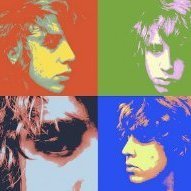 Hello and thanks for checking out this post. I'm delighted to announce that version 1.1 of my fan mission "Cole Hurst 1: Eaton" is now available to download and play. This post is spoiler free, so please don't avoid digging into the details below if you are interested. I'm just using the spoiler tags to organize this post a bit. Let me start by saying "thank you" to anyone who has either previously played - or is considering playing this mission. It really means a lot to me. I have been away for a while, but following a round of beta testing that took place some time last year, I've only just recently managed to finish this update. I'm slightly embarrassed by how long it has taken me to complete, but I wanted to make sure that the valuable feedback I received was all properly addressed. Mission description "Tonight, Eaton's wealthiest citizens will gather at Lord Mayor Zelmer's estate to celebrate the city's founding. Nobles, dignitaries, a famed musician, and even the Queen will pass through its gates. While the guests celebrate Eaton's future, Cole Hurst is looking for a way out." For those new to and/or curious about this mission: I guess I would describe it as a traditional heist-style mission - although with a couple of major plot twist along the way. It's a very large map and I think it should take most players at least a few hours to complete. Screenshots Changes in version 1.1 Countless additions and a large amount of smaller tweaks and changes have all made it into this release. I may have already forgot a few things, but here are what I consider to be the main highlights: * New secrets & optional side quests * Story tweaks and reworked readables * Subtitles * Difficulty tweaks and related changes * Stability fixes * Various cosmetic changes * Audio tweaks * TDM version 2.13 now required Contributions and acknowledgments A special thanks to all of those listed below. I'm sincerely grateful for all your contributions! Mission testers and technical support @nbohr1more, @stgatilov, @duzenko, @Acolytesix, @Dragofer, @JackFarmer, @Shadow, @Cambridge Spy, @wesp5, @madtaffer, @prjames, @suzy8track, @datiswous, @boissiere and @Bergante Story Kelly Hrupa Voice actors twhalen2600 (AKA @Benny_the_guard) and Kelly Hrupa
- 15 replies
-
- 14
-
-
-
Hi team, I've come back to the FreeBSD native port that I was working on and have some patches that I would like to upstream. What is the best way to submit patches for consideration? Is there a public tracker/email list, or is it best to post patches somewhere here on the forums? Thanks!
-
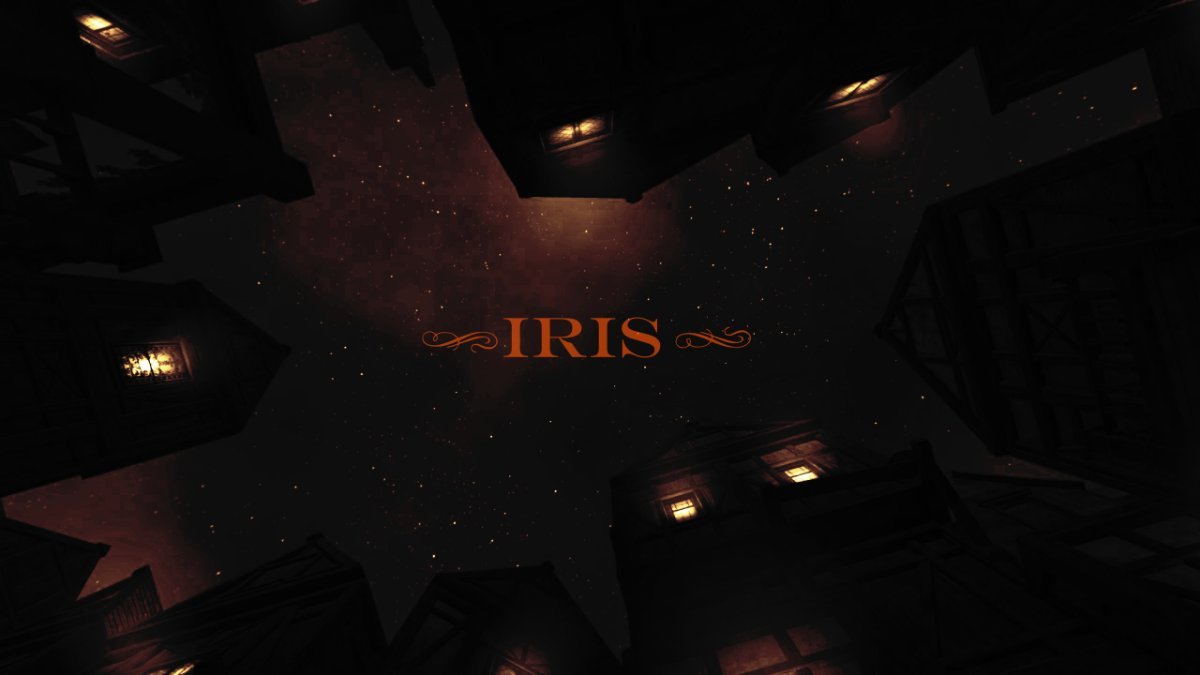
 ============== -= IRIS =- ============== WELLINGTONCRAB TDM v 2.11 REQ Ver. 1.3 *For Maureen* -=- "Carry the light of the Builder, Brother. Unto its end." -Valediction of the Devoted "What year is this? Am I dreaming?" -Plea of the Thief Dear Iris, I am old and broken. When we were young it felt like the words came easily. Now I find the ink has long dried on the pen and I'm as wanting for words as coin in my purse. I can tell we are nearing the end of the tale; time enough for one more job before the curtain call... ============== -Installation- Requires minimum version of TDM 2.11 **Dev build dev17056-10800 (2.13) fixes several visual effects which have been broken in the mission since the release of 2.11. For that reason playing with that version or later is currently recommended** -Iris does not support mods or the Unofficial Patch- Download and place the following .pk4 into you FMs directory: Iris Download ============== Beta Russian Language Translations by @kalinovka Mirror #1: yandex.ru Mirror #2: Google Drive ============== *Thank you for playing. Iris is a large mission which can either take as quickly or as long as you are compelled to play. I hope someone out there enjoys it and this initial release is not completely busted - I tried the best I could!* *Iris both is and isn't what it seems. If commenting please use spoiler tags where appropriate. If you are not certain if it would be appropriate a good assumption would be to use a spoiler tag* *Support TDM by rating missions on Thief Guild: https://www.thiefguild.com/* ============== WITH LASTING GRATITUDE: OBSTORTTE - Whose gameplay scripts from his thread laid the foundation which made the mission seem like something I could even pull off at all. Also fantastic tutorial videos! DRAGOFER - Who built upon that foundation and made it shine even brighter! And whom also provided immeasurable quantities of help and encouragement the past couple years on the TDM discord. ORBWEAVER & GIGAGOOGA - For generously offering their ambient music up for use. EPIFIRE - Who lent me his fine trash and trash receptacle models. AMADEUS - Who was the first person who wasn't me to play the damn thing and provided his excellent editorial services to improving the readers experience playing TESTERS AND TROUBLESHOOTERS: AMADEUS * DATISWOUS * SPOOKS * ALUMINUMHASTE * JAXA * JACKFARMER * WESP5 * ATE0ATE * MADTAFFER * STGATILOV * DRAGOFER * KINGSAL * KLATREMUS - What can I possibly say? Playing this thing over and over again could not have been easy. Deepest thanks and all apologies. -=THANKS TO ALL ON THE TDM DISCORD AND FORUM=- ==SEE README.TXT FOR ADDITIONAL ATTRIBUTIONS & INFORMATION== HONORABLE MENTION: GOLDWELL - If I hadn't by chance stumbled into Northdale back in 2018/2019 I would probably still be trying to get this thing to work in TDS, which means it probably would not exist - though more details on that in readme. ============== Boring Technical Information: *Iris is a performance intensive mission and I recommend a GTX 1060 or equivalent. I find the performance similar to other demanding TDM missions on my machine, but mileage may vary and my apologies if this prevents anyone from enjoying the mission.* *Iris heavily modifies the behavior of AI in the game, how they relate/respond to each other and the player. So they may act even stranger than they do typically in TDM. Feedback on this is useful - as it can potentially be improved and expanded upon in future patches.* -=- This is my first release and it has been a long time coming! If I forgot anything please let me know! God Speed. 2.10 Features Used:
- 448 replies
-
- 25
-
-
-
It seems a driver problem, not really strange for me. I don't think that it is really a TDM problem. In other Forums I see a lot of different issues with Logitech Mices and drivers, myself I had also problems with Logitech Mices. Nerer had again Problems buying specifically gaming mices with cable, these are way more robust and stable for obvious reasons. Maybe changing the Mouse will solve the problem. Currently I use the Rival 3 Gen 2 from Steel Series since several Years, very precise and responsive, apart with a good price (some Years ago I paid ~€30, now it costs somewhat more as I saw in its Homepage.
-
okay 1 testbed is done , time to post to ttlg , here is the link : https://www.ttlg.com/forums/showthread.php?t=153456&page=2&p=2542791&viewfull=1#post2542791 originally windows 7 isnt recommended but i decided to go down the path i have no dx9 gpu left ( and the hwtl document itself doesnt recommend dx9 era gpu) The remaining test results from other PCs and laptops will follow
-
seems there is a new version of newdark out https://www.ttlg.com/forums/showthread.php?t=153456 version 1.29 the hwtl version supports shadowmaps postprocessing effects (bloom etc) and other nifty stuff. this one done by le corbeau himself. the hwtl version gets rather spooky with dynamic shadowmaps on . EDIT: ah just noticed it was posted earlier lol.
-
Looks like at least some other Frenchies have access to it: https://www.ttlg.com/forums/showthread.php?t=152974
-
Before I nuke the DR appdata files, can I ask if anyone else had the mouse freezing in DR..?
-
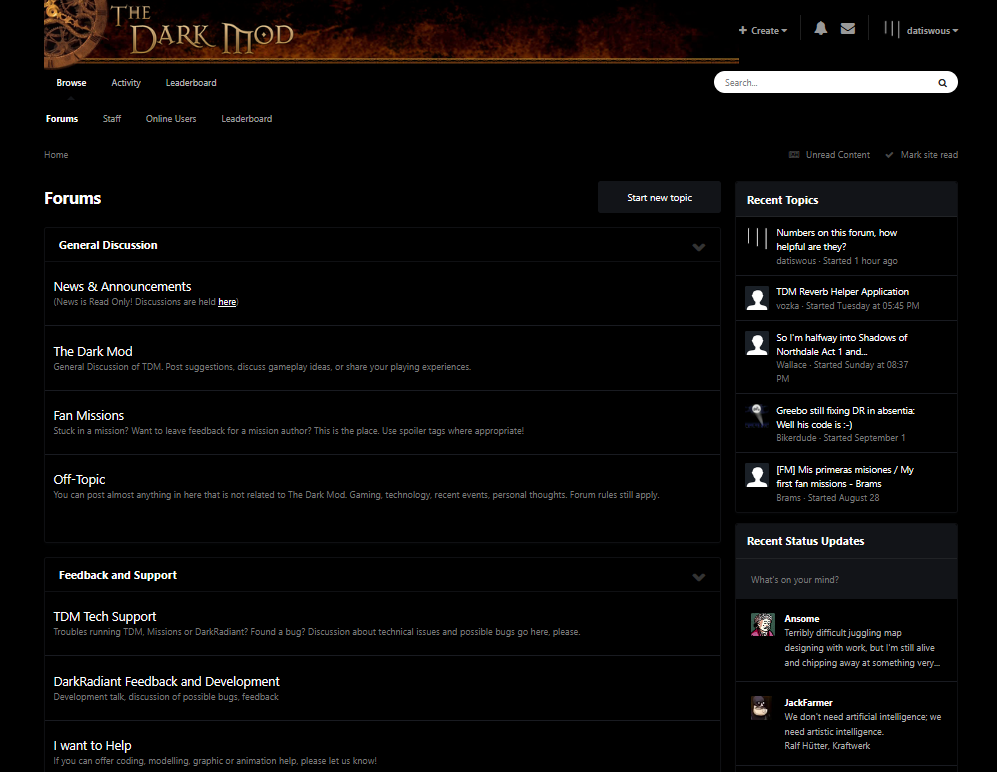
I just added this to the browser-css for https://forums.thedarkmod.com (locally) .ipsDataItem_lastPoster, .ipsDataItem_stats, .ipsCommentCount, .ipsType_light.ipsType_small.ipsType_blendLinks, span.ipsFlex-inline, .ipsDataItem_category {display: none;} /* Less number stats distractions */ Giving a less distracting result:
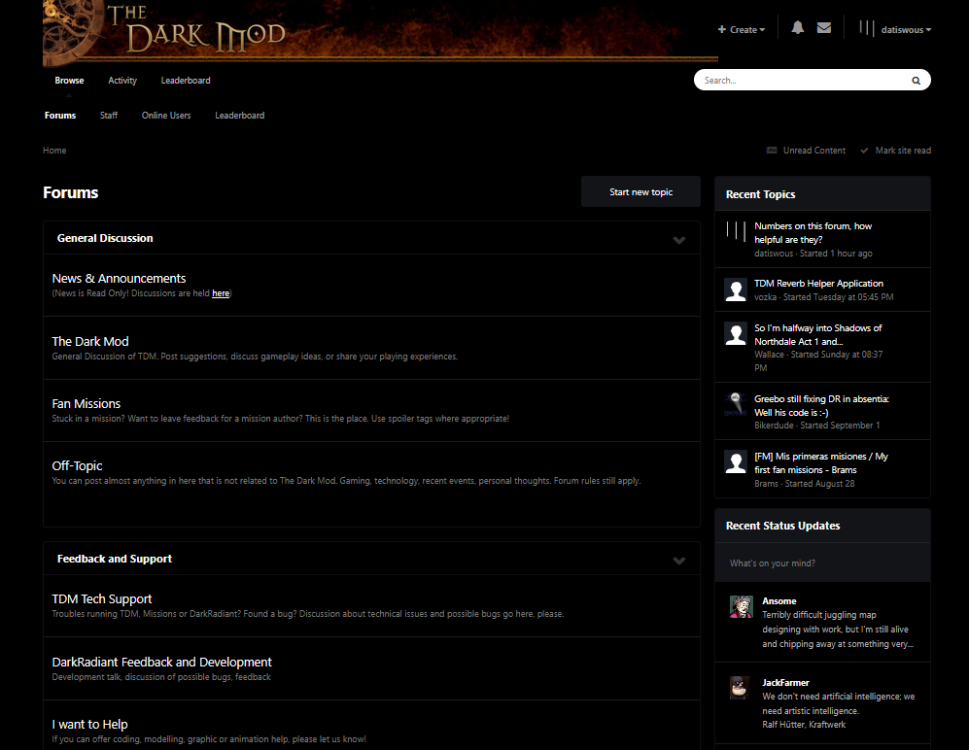
-
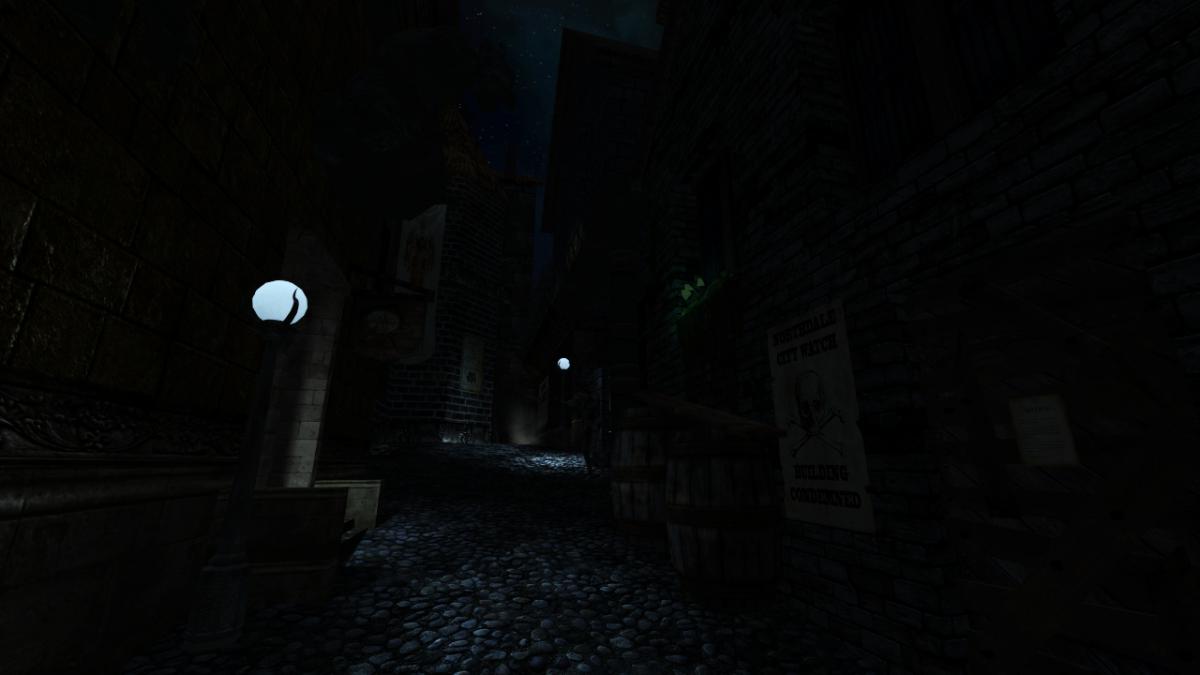
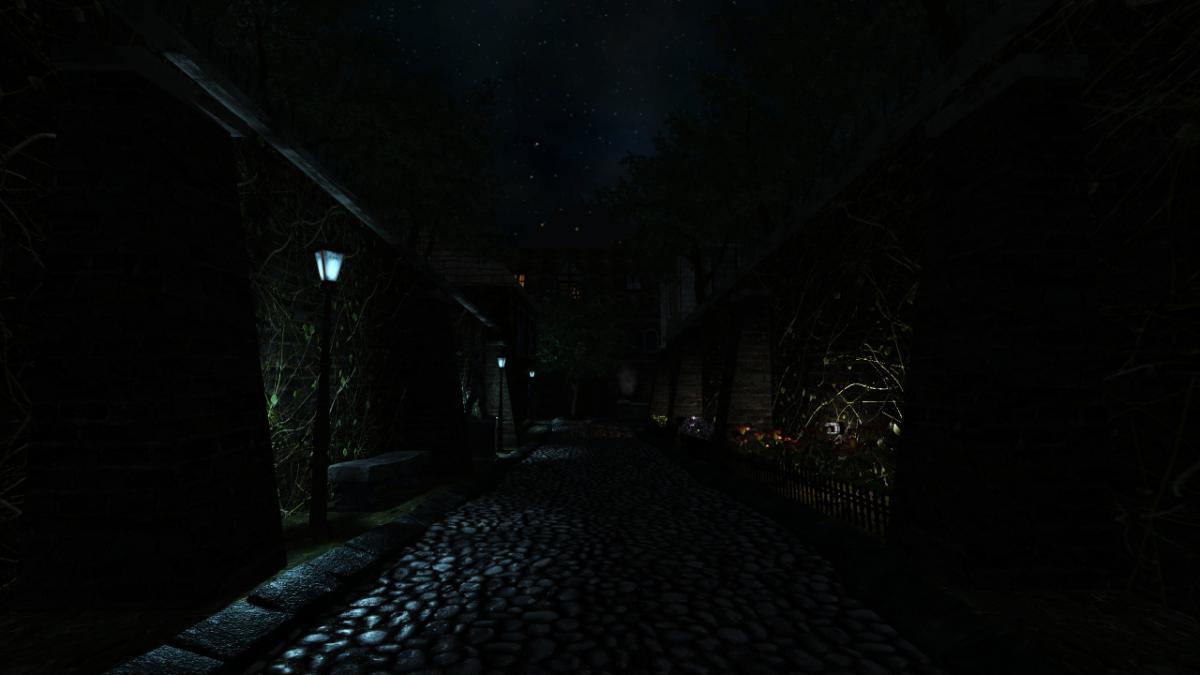
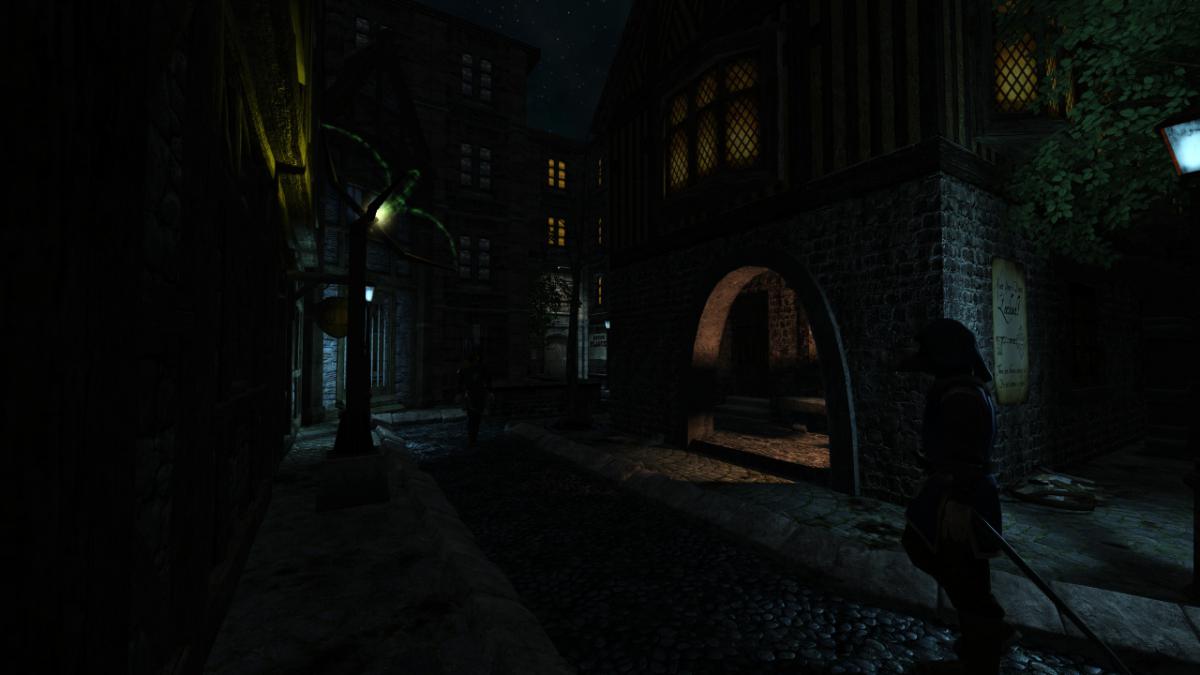
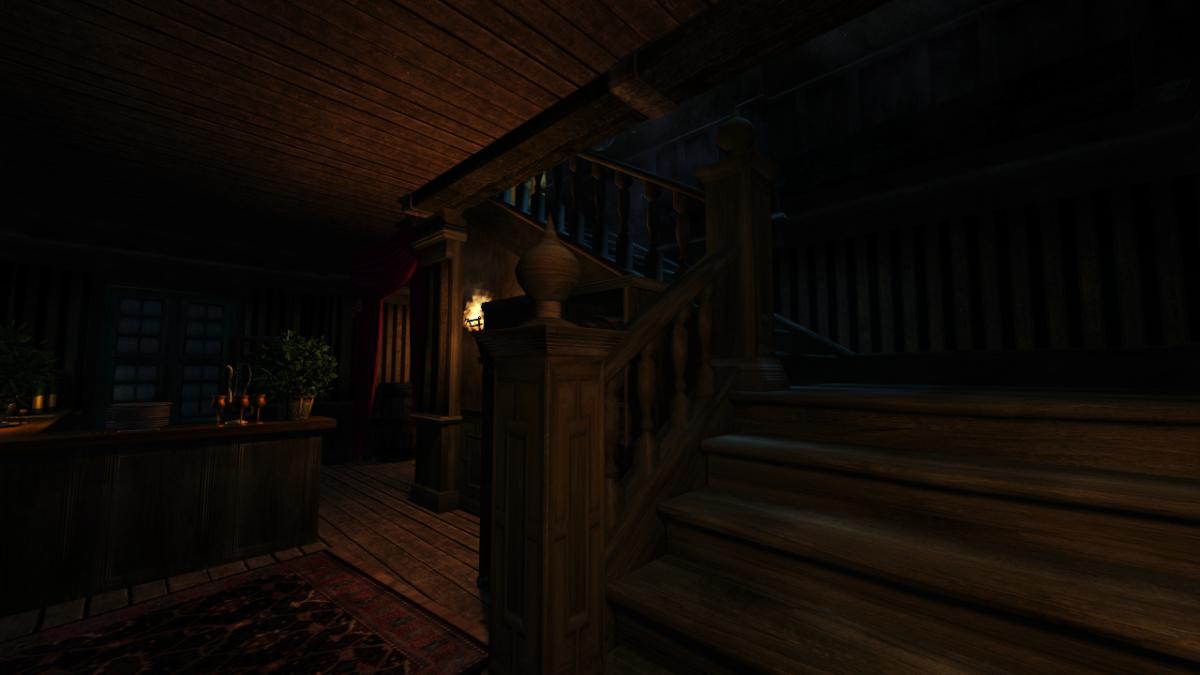
 Author note: It's hard to believe it's already been a year since Act 1 came out! Well during this mission the player will be following Corbin into the Grimwood district to followup on a lead from last night (Act 1) .. the mysterious tablet! This mission is my first time including full EFX support as well as a HD briefing video file, additionally a new script has been added crafted by the talented Obsttorte which has loot flying towards the player when you pick it up. On a level design front I have tried to change things up a bit by really catering towards a number of play styles, this mission can be completely ghosted or you can use the tools at your disposal to wreak havoc on the citizens of Northdale. For the first time I have tried to create more sandbox environments which don't offer clear answers handed directly to you, so if you're having trouble figuring something out try a different method. This mission takes between 1 - 2 hours to finish depending on the difficulty you play on and how thoroughly you explore. I hope you enjoy your night in Northdale! - Goldwell Voice actors Fen Phoenix Goldwell Random_taffer Yandros Beta testers Amadeus Boiler's Hiss Cambridge Spy Chakkman Crowind Epifire Kingsal SquadaFroinx Custom Assets Andreas Rocha DrK Epifire Grayman Kingsal MalachiAD Obsttorte Sotha Springheel SquadaFroinx Purgator With special thanks to Epifire for creating a large collection of custom models, Grayman for helping out with coding, Kingsal for drawing the ingame map and Moonbo for his script revision on the briefing video. Available via in-game downloader MIRROR File Size: 417 mb EDIT: If you are having performance issues please consult this post by Nbohr1more which may address your issue http://forums.thedarkmod.com/topic/19936-fan-mission-shadows-of-northdale-act-ii-by-goldwell-20190320/page-2?do=findComment&comment=436271